
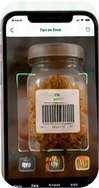
Less typing.
Less remembering.
Scan barcodes to add packaged items to your Pantry, without typing each product name.
Scan to addYOUR KITCHEN. A LITTLE LESS TO THINK ABOUT.
Feed Me Food connects your Pantry, recipes, Meal Planner, and Shopping List so you can see what you have, find something to make, and buy only what you actually need.
Use it for tonight’s dinner or the whole week.
Free public recipes. Paid personal tools. Works in your browser.
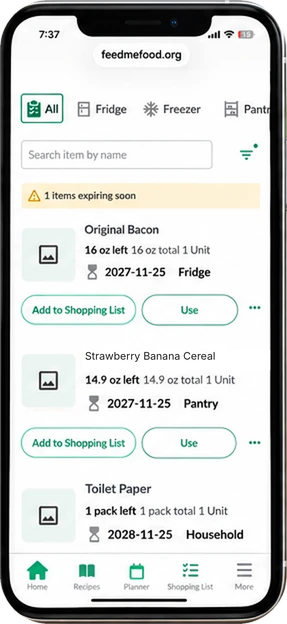 UPC scanning
Scan barcodes to add packaged items to your Pantry, without typing each product name.
Scan to add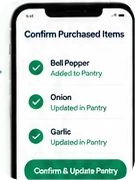
Check off what you bought, then confirm purchases to add or update those items in your Pantry.
Shop to replenish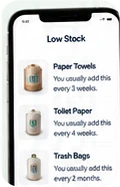
Feed Me Food learns how often you add items back to your Shopping List and estimates when they may be running low.
Smart remindersOpen your Pantry and get recipe ideas based on the food you already have. No planning required.
See how Recipe Match works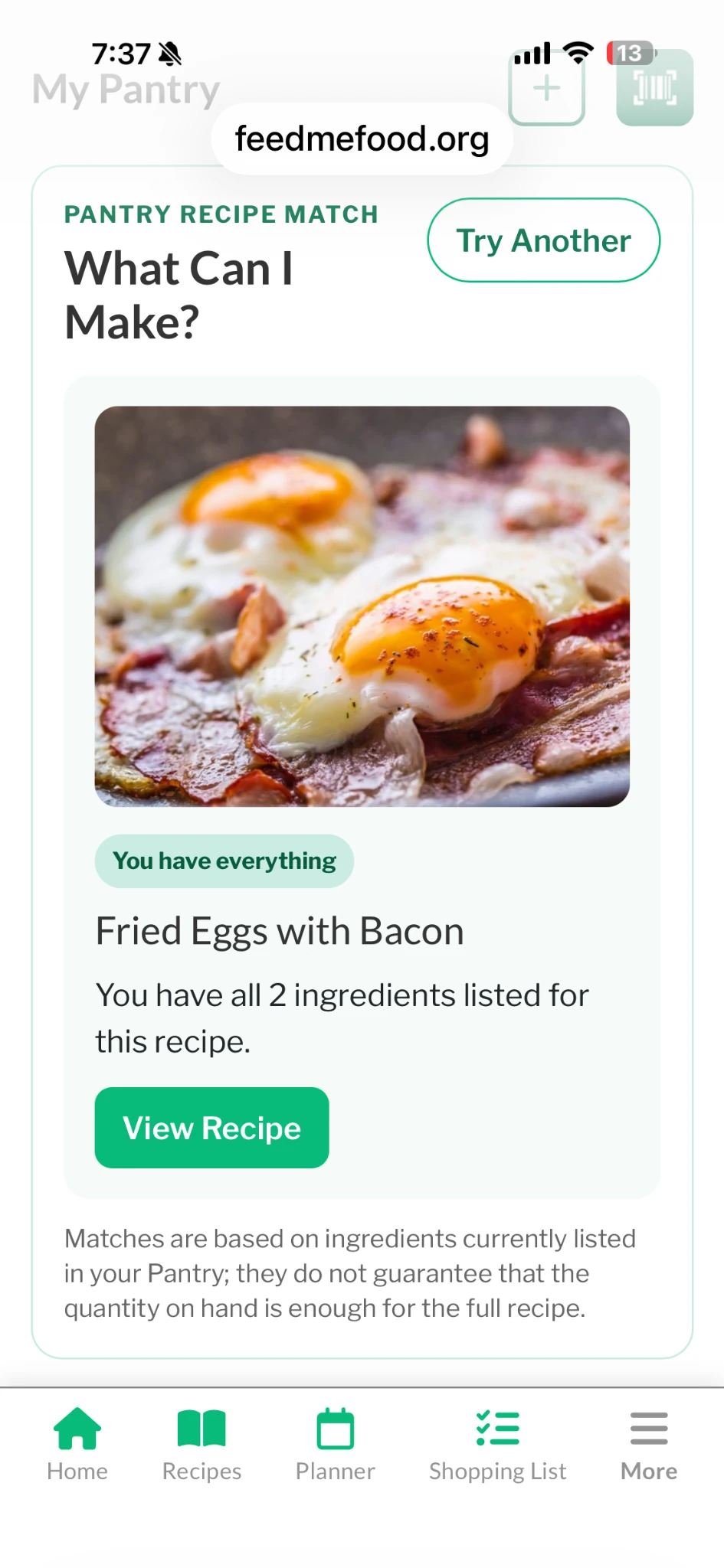
Pick a few meals or plan the whole week. Feed Me Food checks your Pantry and helps build your Shopping List.
Explore the Meal Planner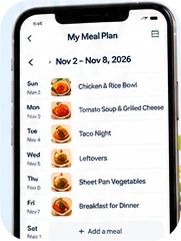
THE FULL SYSTEM · $2.99/MONTH
Pantry, recipes, planning and shopping work together. Use the parts you need.
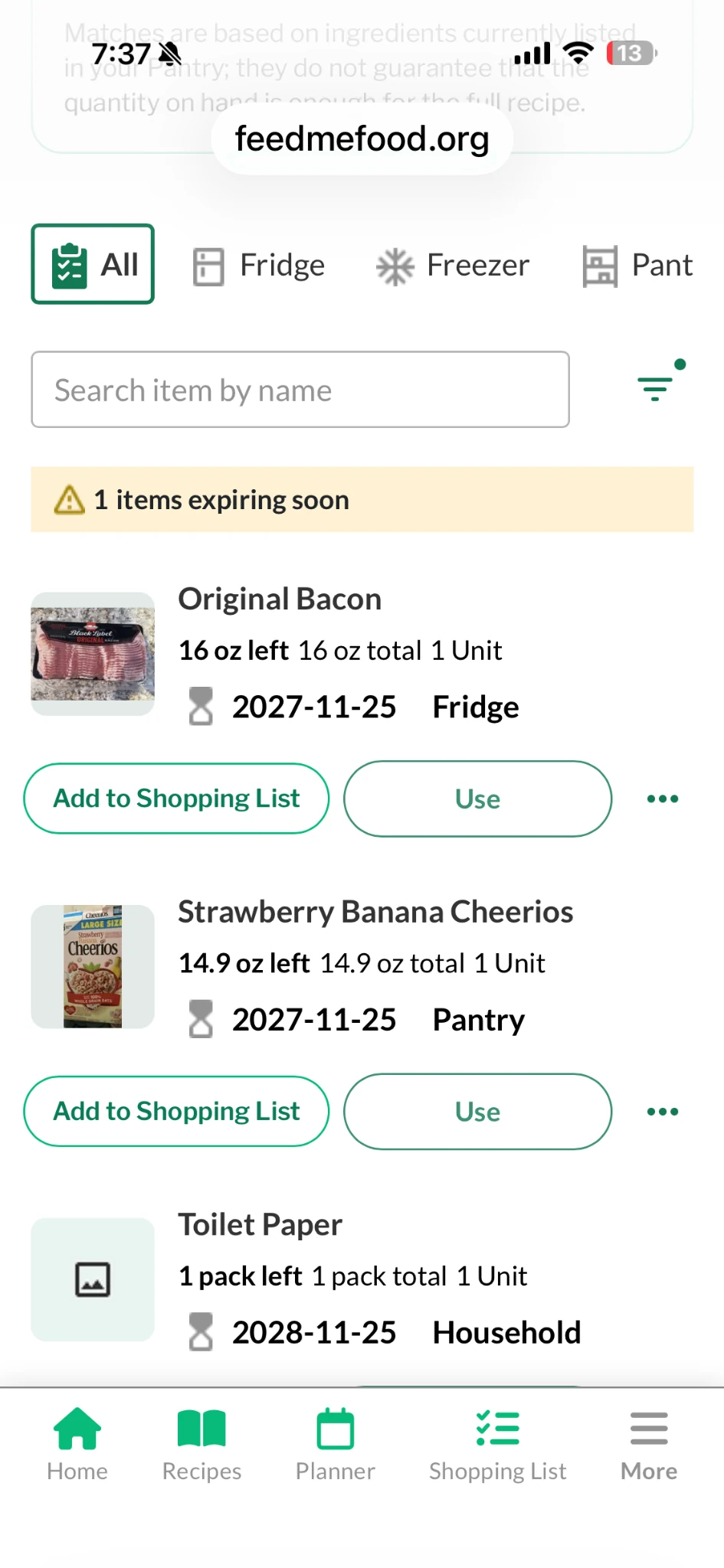
Add items with UPC scanning. Keep food, household supplies, storage locations and expiration dates together.
See recipe ideas based on ingredients listed in your Pantry. Try another suggestion when you need options.
Add meals to a few days or the full week. Planning is optional — you can use your Shopping List either way.
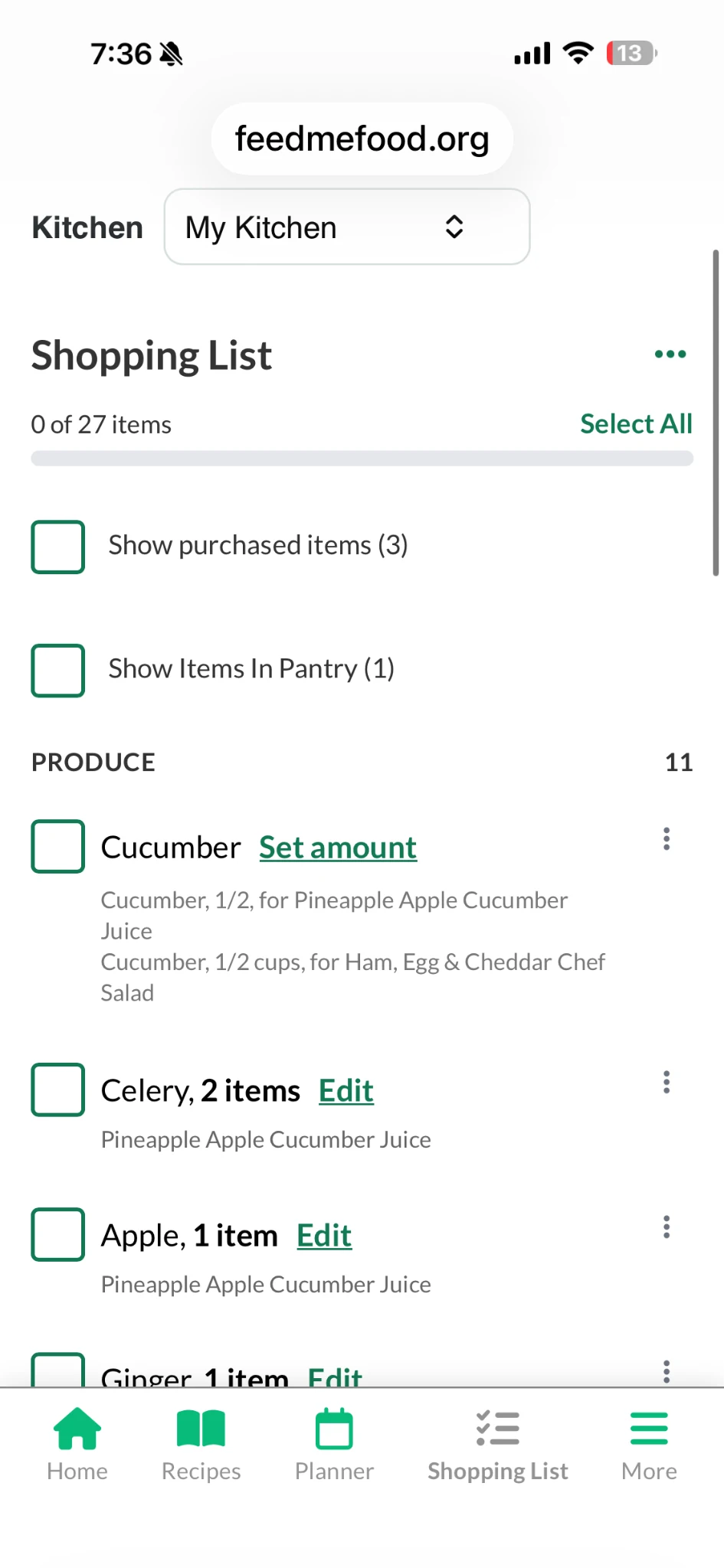
Bring meal ingredients and household needs into one list, with Pantry checks to help avoid buying duplicates.
Check off your purchases. Confirm them with a button to add or update those items in your Pantry.
And it keeps learning your routine. Repeat Shopping List additions help estimate when familiar items may be running low — without logging every use.
Recipe matches use ingredients listed in your Pantry; check amounts before cooking. Replenishment reminders are estimates, not a measurement of what is physically left.
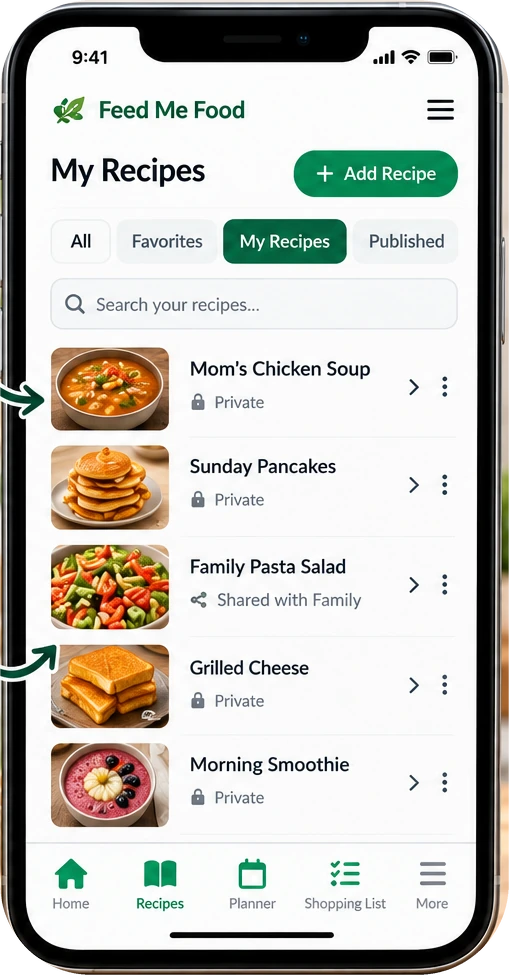
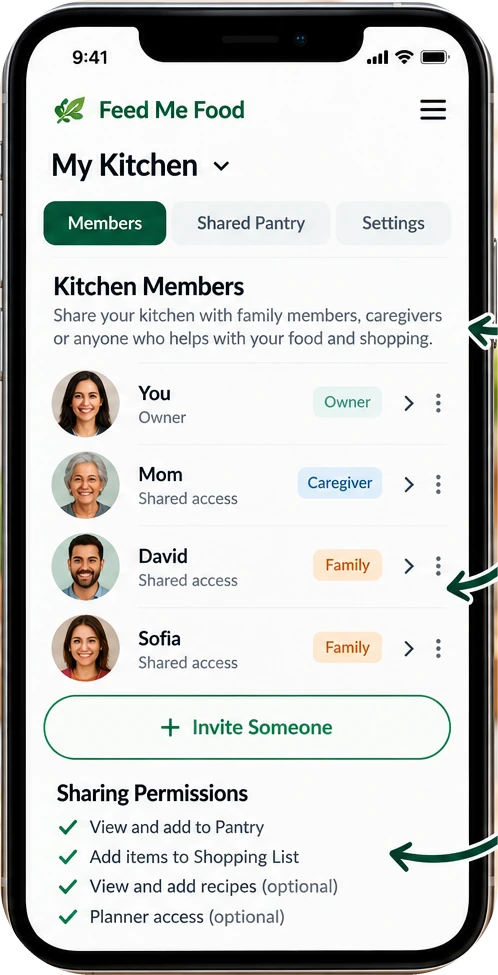
Start small. Your whole kitchen can wait.
Add a few items, save a recipe, or start a Shopping List. Build your kitchen as you use it.
START WHERE YOU ARE
Browse recipes, learn kitchen skills, and get to know your food. When you’re ready, bring your own kitchen together.
$0No account required
$2.99per month
Personal tools are part of the paid Full System.
No. Use UPC scanning to add packaged items. Confirming purchased Shopping List items adds or updates them in Pantry, so you do not need to enter those purchases again. The system also learns from repeat list additions to estimate when familiar items may be running low.
You do not have to log every use to benefit from those reminders. Estimates are not an exact count of what is left.
Public recipes, Nutrition Guides, Source Code Food, Kitchen Basics, and food Finds are free to explore without an account.
The $2.99/month Full System includes your Pantry, recipe matches, Meal Planner, Shopping List, personal recipes, sharing, Dashboard, Gentle Movement, BMI and 12-week plan. There is no separate free planner, Shopping List or Pantry tier.
Yes. Shared Kitchen access lets people you choose help with household Pantry and shopping needs. Someone helping a parent can add what is needed to the shared Shopping List, then confirm purchases to update Pantry.
Personal recipes can stay private, be shared with selected friends and family, or be published to the Cookbook when you choose.
Yes. Feed Me Food works in your phone’s browser; no app download is needed. Meal planning is optional. Use Pantry recipe ideas when you are hungry, or work directly with your Shopping List.
Start with a few items or one recipe. You do not have to organize your entire kitchen first.